SwapFace
Swap
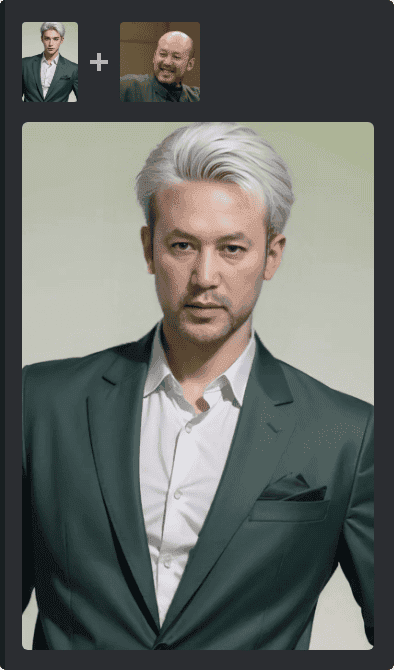
Create face swap service, this endpoint interaction is the same as TTAPI Midjourney API interaction mode (Async)
POST
cURL
Face Swap Feature Description
The face swap feature leverages Midjourney’s image editing capabilities, allowing you to upload a portrait image along with a reference style image to generate a face swap effect according to the specified proportions. Before using, please ensure:- The reference image is clear, with recognizable facial features.
- Do not upload illegal or copyrighted content.
- Generated results are intended for legal and compliant use only.
Authorizations
You can obtain your API key from the TTAPI Dashboard.
Body
application/json
Template image: URL of the face swap template image
Face image: URL of the image to be face swapped
Callback URL address. When the task completes or fails, notifications will be sent to this address. The notification data structure [blocked] is consistent with the fetch structure. If not set, you need to call the fetch [blocked] endpoint to query the result.
Last modified on March 13, 2026